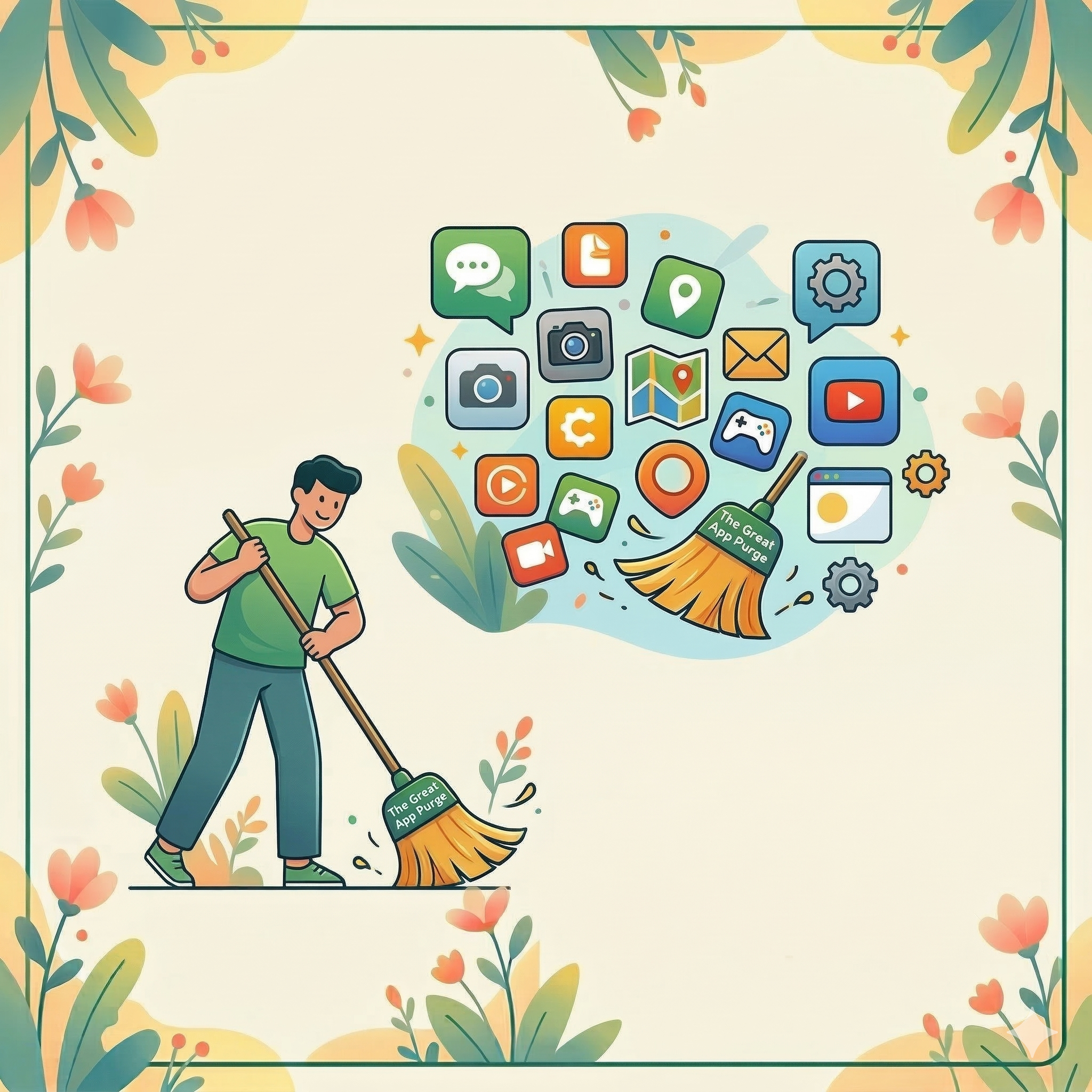
Whether you’re team iPhone or Android, or you prefer a MacBook over a PC, we all share one thing: digital clutter. Unused apps don’t just take up space; they can slow down your device and even compromise your privacy.
How to declutter in 60 seconds
On iPhone/iPad:
Go to Settings > Apps> App Store. Look for Offload Unused Apps and slide the button to green (on). This removes unused apps but keeps your data, just in case you need it later. It may take some time for the device to analyze and offload apps you’re not using, but when it does, offloaded apps will appear with a transparent cloud symbol.
On Android:
Open the Google Play Store, tap your profile icon, then Manage Apps & Device. Filter and sort the list to identify apps you do not use and consider deleting them.
On Computers:
Clutter on our computers (both Windows/PC and Mac) is usually not apps, but files — documents and images you’ve created or downloaded. Look at your computer’s desktop screen. If you can’t see your wallpaper through the icons, it’s time to create one folder labeled “To Sort” and move (drag) everything there. You’ll feel the “digital weight” lift instantly! Tackle the sorting when you’re ready, but meanwhile, enjoy a clean desktop.